Nuxt UI vs Shadcn Vue: Choosing Your Vue UI Library in 2026
A detailed comparison of Nuxt UI v4 and Shadcn Vue. Compare component coverage, customization, and community ecosystem for your next Vue/Nuxt project.

Written by Rin
Reading time 3 min read
On This Page
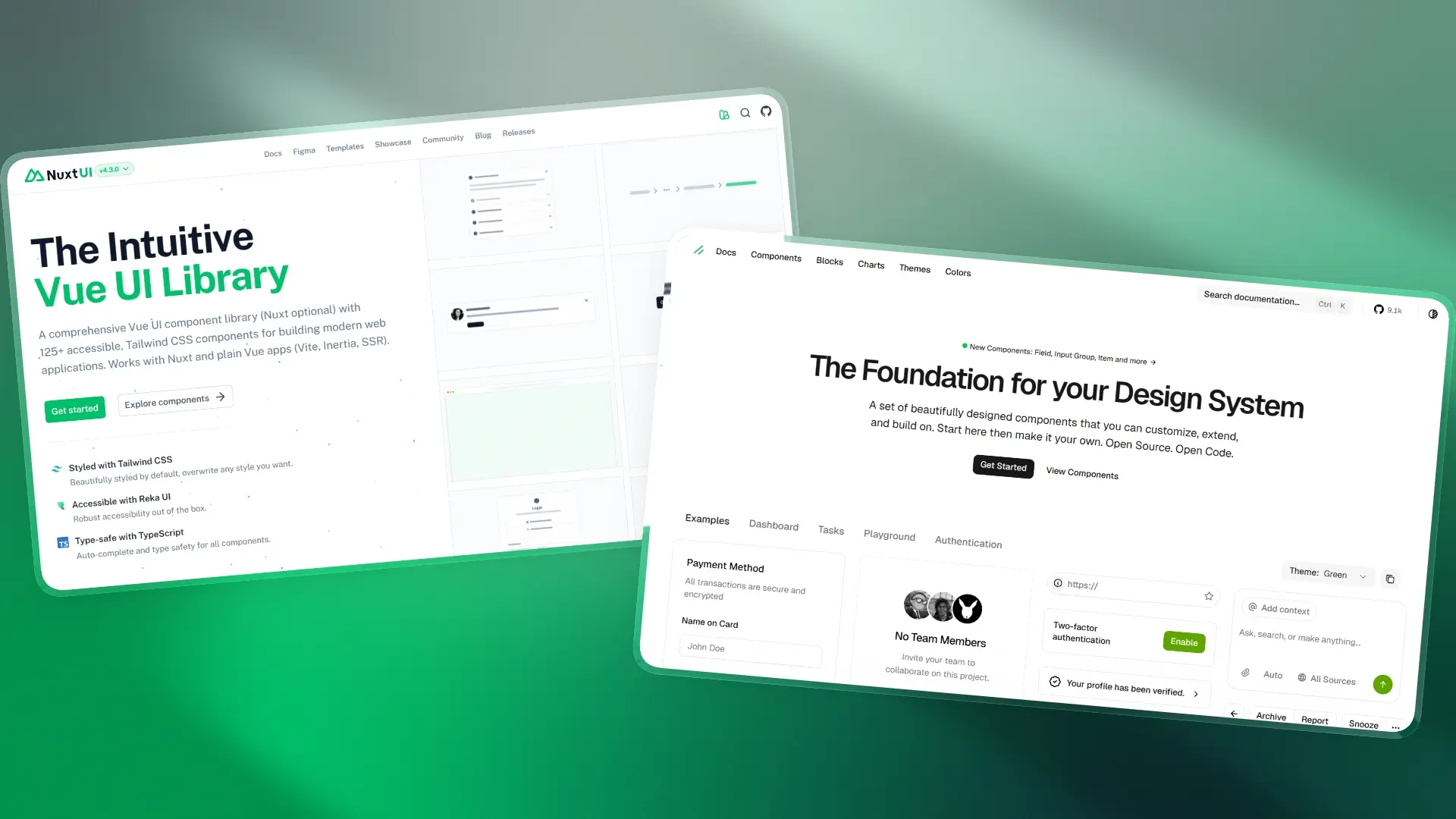
In the modern Vue ecosystem, two powerful UI components library built on Tailwind CSS v4 and Reka UI (unstyled components library) have emerged: Nuxt UI and Shadcn Vue. While they share a common tech stack, their philosophies are distinct. This guide provides a detailed comparison to help you decide between an all-in-one integrated library and a customizable code-centric approach for your next project.
TL;DR: At a Glance Comparison
| Feature | Nuxt UI | Shadcn Vue |
|---|---|---|
| Installation | npm package | Get source code via copy-paste or CLI |
| Framework Support | Optimized for Nuxt, but works in Vue project with Vite | Vue-focused port of the original React-centric shadcn/ui |
| Component Scope | Extensive: 120+ components including complex ones | Focused: Core set of accessible primitives, easily extended |
| Customization | Configuration-based | Direct code modification |
| Theming | Extensive CSS variables | Concise CSS variables |
| Ecosystem | Official templates, Figma kit | Many community-built themes, templates, and resources |
| Maintenance | Update the package | Manual update the source |
| AI Workflows | AI-ready documentation (MCP server, LLMs.txt) | AI can read/edit local source code directly |
| Best For | Rapid SaaS development, dashboards | Highly custom brands, design systems |
What are Nuxt UI and Shadcn Vue?
What is Nuxt UI?
Nuxt UI is a comprehensive, integrated component library developed by the Nuxt team. It is designed for seamless, out-of-the-box functionality within the Nuxt and Vue ecosystem, leveraging Tailwind CSS v4 and Reka UI.
Its major v4 release unified its previously separate free and “Pro” tiers, making components production-ready templates, and a complete Figma design kit available to everyone for free.
What is Shadcn Vue?
Shadcn Vue is Vue port of the shadcn/ui for React. It also sits on top of Tailwind CSS v4 and Reka UI, but it is not a library you install via NPM. Instead, it is a component collection. You use a CLI to “copy and paste” the source code of a component directly into your project’s components directory, giving you full ownership of the code.
Detailed Comparison
Component Coverage
-
Nuxt UI is the clear winner if you want everything in the box. It offers over 120+ components, including essential, marketing (like hero, features section, blog post, changelog, pricing, etc.), dashboard, AI chat, and rich text editor components.
And it integrates well with other Nuxt modules, can be integrated with Nuxt Content to provide markdown rendering, search, table of contents, and more. Additionally, it offers Icon component compatible with both Nuxt and Vue (accessing open-source icons from Iconify), along with components for switching color modes.
-
Shadcn Vue stays in sync with shadcn/ui and focuses on the essential components. While it covers the basics perfectly, you may find yourself manually building more complex components by combining smaller primitives.
Customization
-
Customization in Nuxt UI primarily happens through
app.config.ts(for Vue isvite.config.ts). If you want to change the primary color or the design of buttons globally, you change one line of config. However, deep structural changes to the HTML can be difficult because the code is hidden innode_modules. -
Customization in Shadcn Vue is where shadcn shines. Since the
.vuefiles live in yourcomponents/uifolder, you can delete, rewrite, or restyle any part of the template.
Theming
They utilize Tailwind CSS v4 and standard CSS variables for theming. Both approaches support deep customization based on .css files.
-
Nuxt UI offers a variety of CSS color variables, such as
primary,secondary,success,info,warning,error, as well as more diverse options for text, background, and border colors. For example, text colors includedimmed,muted,toned,default,highlighted, andinverted.By clicking the button in the top-right corner of the documentation, you can select from multiple preset primary and neutral color schemes and copy the corresponding
app.config.ts. -
Shadcn Vue maintains consistency with shadcn’s CSS variables and supports disabling them to use only utility classes. Its CSS variables are more concise than Nuxt UI’s, relying on just
backgroundandforegroundvariables for theming.Shadcn also provides preset themes that can be copied directly into
.cssfiles. In addition, community-built theme generators like Tweakcn offer visual, deep customization for creating your own designs.
Community and Ecosystem
- Nuxt UI offers a free library of pre-built templates for dashboards, documentation sites, portfolios, and landing pages. It also provides an official free Figma kit. Additionally, the official website lists a range of community resources, including community components such as Auto Form, Charts, and QRCode.
- Shadcn Vue benefits from the massive global shadcn movement. Although there are no official templates or Figma kits, various community-driven options—both free and paid are available. Open-source resources can be found on GitHub, including projects like Preblocks Vue (a block library designed for Shadcn Vue).
AI Friendliness
In 2026, how well an AI agent (like Cursor, Claude Code) can interact with your UI code is a dealbreaker.
- Shadcn Vue is highly AI-friendly. Because the source code is locally present in your project, AI agents can read the exact logic of your components and can therefore refactor them or add new features. Additionally, the shadcn vue CLI includes a built-in MCP server capability, which allows third-party libraries (such as Preblocks Vue) to be added to the registry, enabling component browsing and searching.
- For Nuxt UI, although AI agents cannot directly view its source code or have full knowledge of v4, the team provides an MCP server to help them understand component information. Additionally, there is an LLMs.txt available for browsing documentation.
Final Verdict
The choice is ultimately a strategic one between convenience and control.
- Choose Nuxt UI if you are a solo developer or a small team building a product where speed-to-market is everything. The deep integration with Nuxt and the massive component set will save you hundreds of hours.
- Choose Shadcn Vue if you are building a long-term design system for a large company or a project that requires a “pixel-perfect” unique identity that standard libraries can’t provide.